
Global illumination
Global illumination is indirect light: light that bounces off surfaces. Hyperion supports several techniques, from fully baked to realtime, with or without ray tracing hardware.
Options
| What | What it does | Needs HWRT? |
|---|---|---|
| Lightmaps | Baked bounce light for static geometry. See baking. | |
| Glimmer | Realtime bounce light and sky occlusion, traced in software. On by default, off on mobile. | |
| SSR | Reflections from what's on screen. | |
| GTAO | Soft shadows in corners and crevices. | |
| DDGI | Realtime bounce light from ray-traced probes. | ✓ |
| RT reflections | Ray-traced reflections, including things that are off screen. | ✓ |
These can be combined. A typical setup is baked lightmaps and probes, with SSR and GTAO on top.
Glimmer
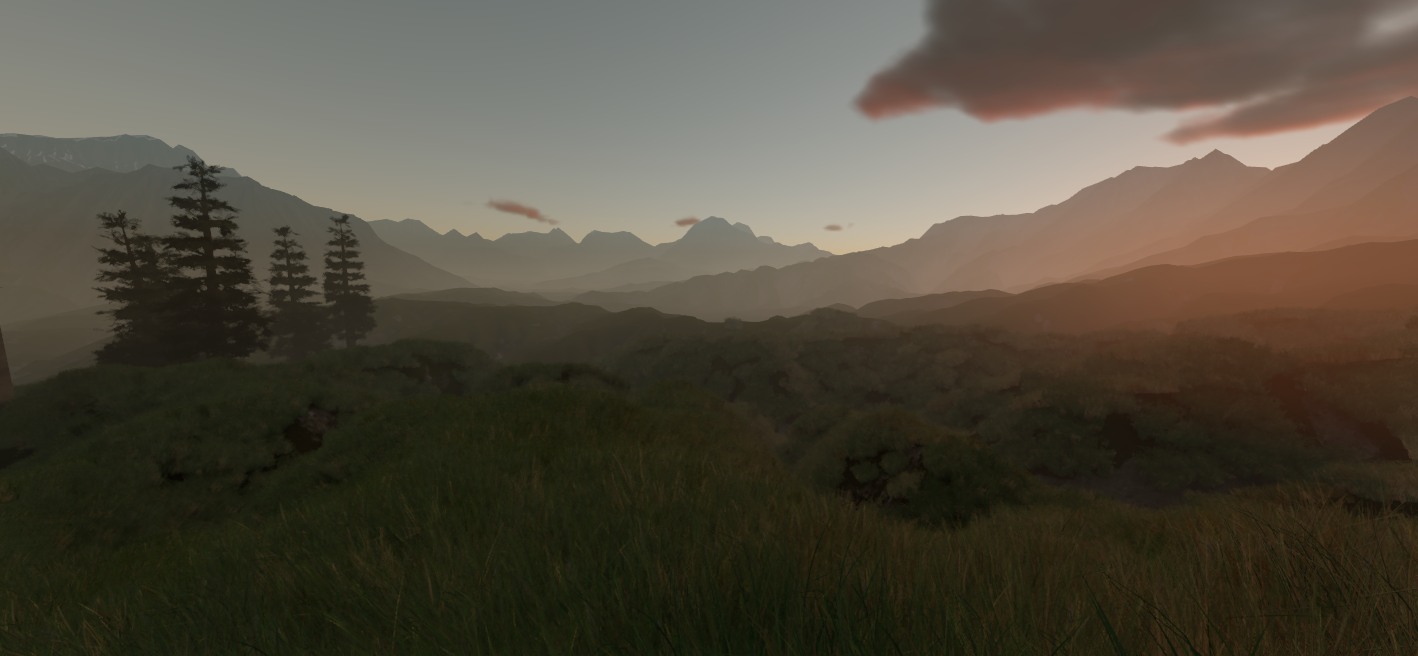
Glimmer is Hyperion's realtime GI system.
It traces rays in compute shaders rather than requiring ray tracing hardware. Nothing needs baking, so you can rotate the sun, move a local light, or a wall and the bounce light follows.
Glimmer supports light bounced/emitted from static geometry and emitted from local lights. Dynamic objects receive its light, but don't affect it.
Time of day changes are supported due to Glimmer storing precomputed radiance transfer (PRT) data.
- Near the camera, probes trace against the scene's meshes. They're placed around solid geometry, so light doesn't leak through walls.
- Further out, a coarser grid traces a voxelized version of the scene, plus a heightfield for terrain.
- Changing the sun or sky relights the scene without tracing it again.
- Static point and spot lights add their bounce light.
- Lightmapped surfaces keep their lightmaps. Glimmer lights everything else.
- Sky reflections are dimmed where the sky is blocked, so interiors don't glow with sky color.
It's meant for large outdoor worlds, where baking isn't practical. Turn it off per world with Glimmer GI in World Settings, or scale it with Rendering.Glimmer.Intensity.
On lower-end devices and on the web, the near-field probes are turned off and only the coarser grid is used. See device tiers.
Toggles
Each has a console variable. Toggle them from the console; Config/EngineConfig.json and the device tiers can change their defaults:
| CVar | Controls |
|---|---|
| Rendering.LightmapVolumes | Baked lightmaps |
| Rendering.Glimmer.Enabled | Glimmer |
| Rendering.SSR | SSR. Off in the default config. |
| Rendering.GTAO | GTAO |
| Rendering.DDGI | DDGI. Off by default. |
| Rendering.RayTracing.RayTracedReflections | RT reflections. Off by default. |
Glimmer, DDGI and ray-traced reflections are also set per world, under World Settings in the gear menu. Glimmer and ray-traced reflections start on there; DDGI starts off.