
Building your game
Write your game's code in C#, with a Visual Studio solution the editor generates for you.
Generate the project
Save your project first, then choose Build › Generate Game Project...
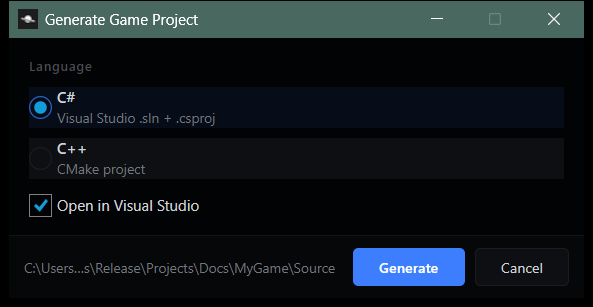
A project's sources can be written in either C# or C++. This page covers C#; switch to C++ at the top of the page.
To switch after selection, use Build › Change Language.... You can only change this when there are no changed files after generating the project.
Generate adds these to your project folder:
Projects/MyGame/
  MyGame.hypproject
  MyGame.slnx
  Source/
    MyGame.csproj
    MyGameGame.cs
    Program.cs
    Hyperion.Local.props
Your Game class
The generated class overrides three hooks from Game:
| Method | When it's called |
|---|---|
| OnLaunch | Once, after the startup world has loaded. |
| OnUpdate | Every frame, with the time since the last frame. |
| OnShutdown | When the game shuts down, before the world is torn down. |
The editor finds your class by name. Keep it named after your project with Game on the end (MyGameGame for MyGame.hypproject).
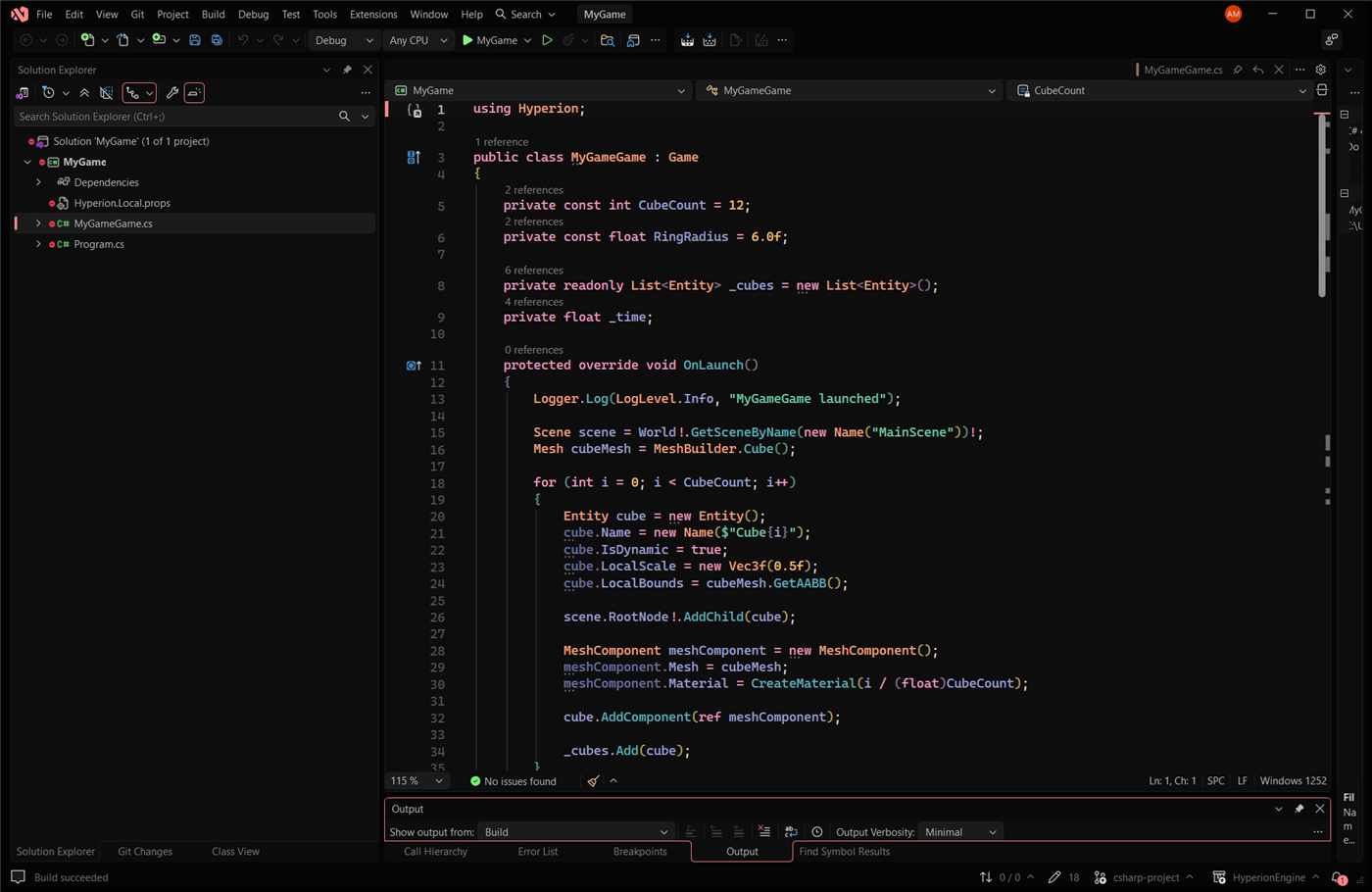
Build
Build from either place:
- In Visual Studio, Build › Build Solution (Ctrl+Shift+B).
- In the editor, Build › Build Game. Compiler output goes to the Console.
Both need the .NET 10 SDK. The result lands in your project's Binaries folder, next to a copy of the engine:
Projects/MyGame/
  Binaries/Windows/
    MyGame.exe
    MyGame.dll
    hyperion.dll
    Config/
MyGame.exe runs the game on its own, loading content straight from the project folder. It takes the same command line as a C++ game; see Run it.
Play it in the editor
Press Play. The editor loads MyGame.dll and runs your Game class in play-in-editor.
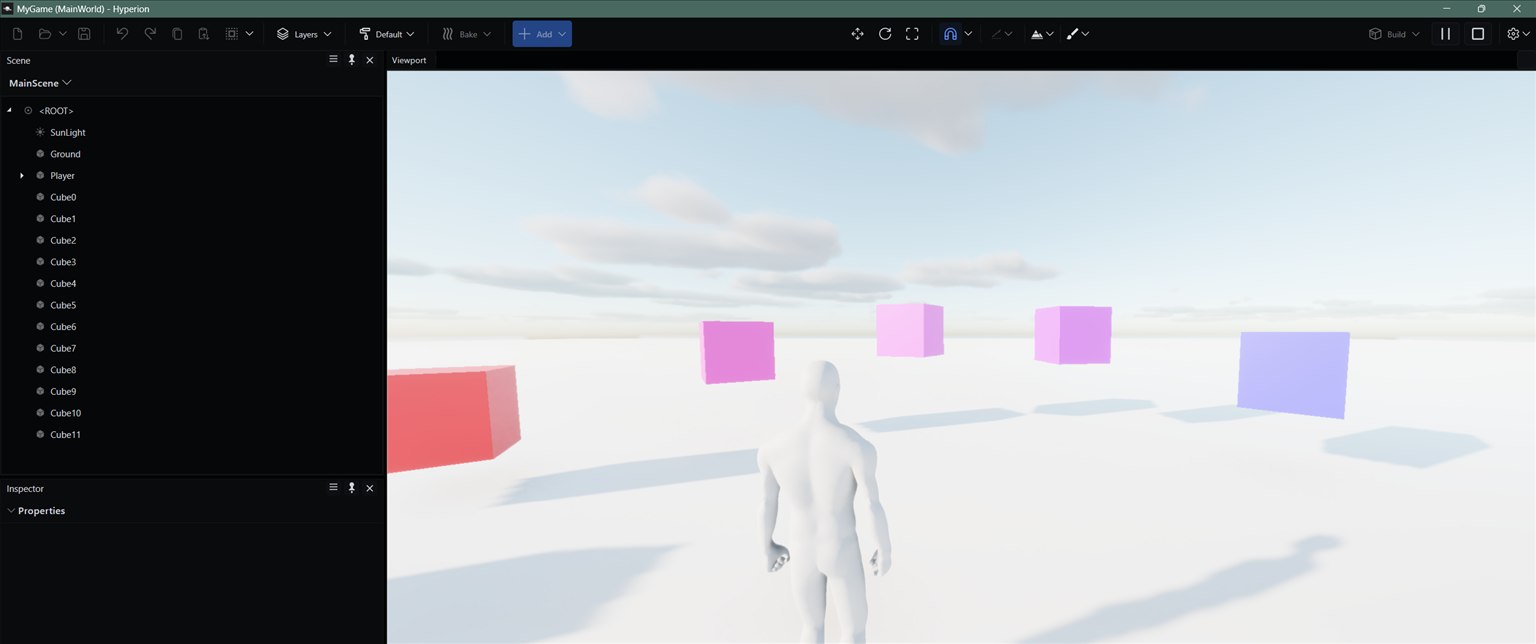
There's no hot reload for the game project. The editor keeps using the build it first loaded, so after rebuilding, restart the editor to see your changes.
Package
Build › Package Game works the same as for C++. The build includes the .NET runtime, so the packaged game runs on a machine without .NET installed. See Packaging a build.